
MagicCut Studios · Journal
5 Product Photography Mistakes That Could Be Hurting Your Online Sales
Strong product photos can make an online store feel polished, trustworthy and easy to shop. Weak images can do the opposite. For businesses competing online, especially in a crowded market like Toronto, small photography mistakes can make products look less appealing, hide important details or create an inconsistent brand experience.
If you are investing in product photography in Toronto, the goal is not simply to make your products look attractive. Your images should also help customers understand what they are buying, feel confident in the brand and move smoothly toward a purchase.
Quick takeaway: the best e-commerce product photography is clear, consistent, accurate and planned around how customers actually shop online.
1. Using Inconsistent Lighting and Backgrounds
One of the most common product photography mistakes is inconsistency. If one image is bright and clean, the next is dark and dramatic, and another uses a completely different background, the product collection can feel disconnected.
Consistency matters even more for ecommerce product photography. Customers often compare several products on the same page, so similar lighting, framing, colour treatment and camera angles make the store easier to scan.
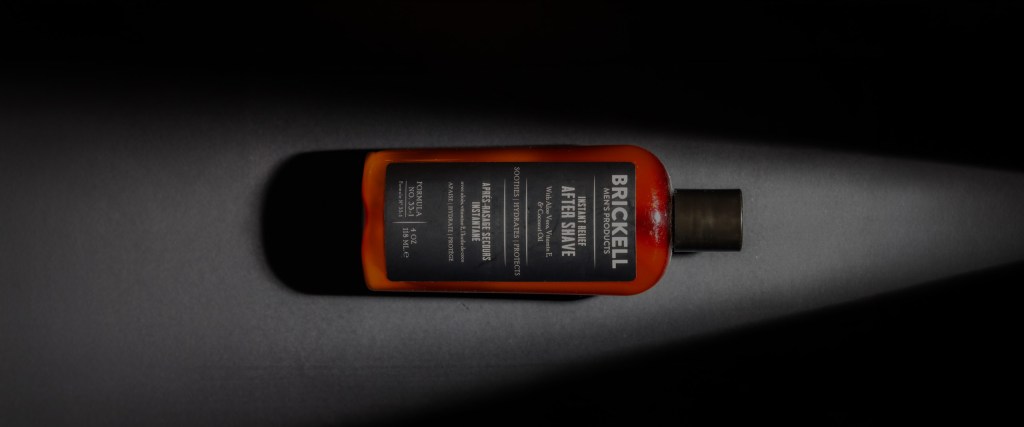
Better approach: define a visual system before the shoot. Decide on the background, lighting style, crop, camera height and final aspect ratios so every image feels like part of the same brand.
2. Showing Only One Angle
A single attractive hero image may look good in an ad, but it may not give shoppers enough information to make a decision. Customers often want to see the front, side, back, packaging, texture, scale and important product details before they buy.
This is especially important for products where material, finish or construction matters. A professional product photographer in Toronto should think beyond one “best” image and build a useful set of views that supports the buying process.
Better approach: plan a shot list that includes a clean hero image, detail shots, alternate angles and lifestyle imagery where appropriate.
3. Ignoring Colour Accuracy and Retouching
Creative editing can be useful, but product photography still needs to represent the item accurately. If colours shift too warm or too cool, materials appear different from reality, or heavy retouching removes important texture, customers may receive a product that does not match what they expected.
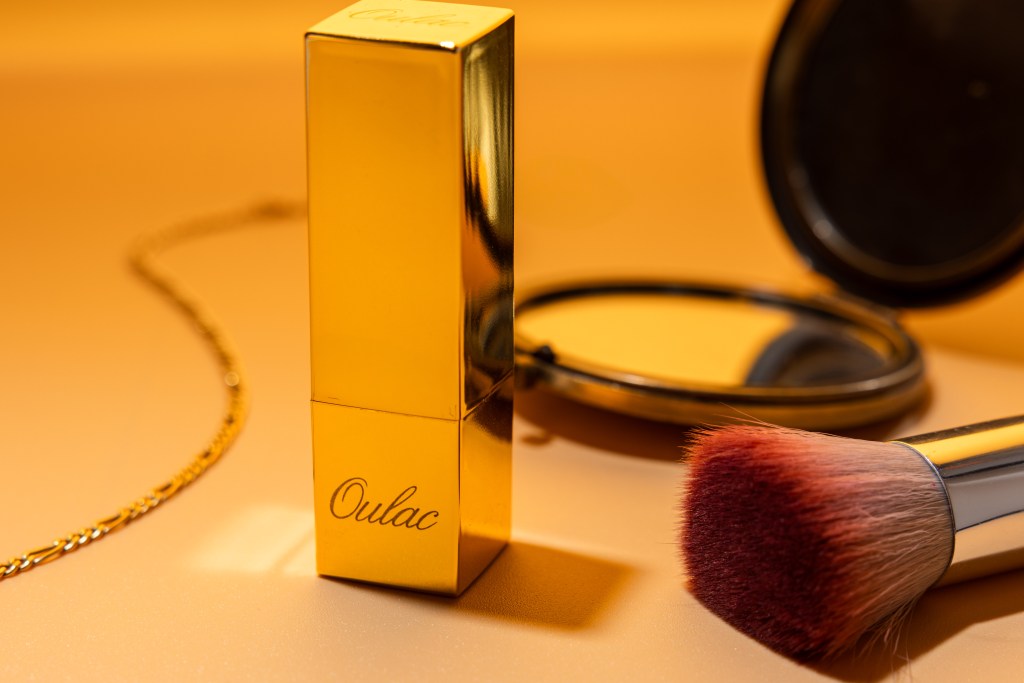
For commercial product photography, retouching should usually enhance presentation without changing the product itself. Removing dust, small scratches or distracting reflections can improve the image while still keeping the product honest.
Better approach: use colour-managed editing and compare the final images with the actual product whenever colour accuracy is important.
4. Photographing Without Considering the Final Platform
A photo designed for an Amazon listing may need a different crop and background from an Instagram ad or website hero banner. If the photographer does not know where the images will be used, you may end up with beautiful files that do not fit your marketing channels properly.
Before the shoot, decide whether you need square images, vertical social content, wide website banners, transparent-background files, white-background e-commerce images or a combination of formats.
Better approach: create a deliverables list before the session. This can save time and reduce the need to crop important parts of the product later.
5. Treating Product Photography as an Afterthought
Businesses often spend significant time on packaging, websites and advertising, then use rushed product images at the final stage. That can weaken the presentation of everything else.
Photography is one of the most visible parts of your online brand. The same image may appear on your product page, Google Business Profile, social media, email marketing, paid ads and printed materials. Planning the photography early gives you more flexibility and a more consistent campaign.
Better approach: treat photography as part of the launch strategy. Build the shot list around the website, e-commerce store and marketing plan rather than waiting until everything else is finished.
What Good Product Photography Should Do
- Show the product clearly and accurately.
- Create visual consistency across your online store.
- Highlight important details, textures and features.
- Provide enough angles to answer common customer questions.
- Support multiple marketing formats and platforms.
- Match the quality and positioning of your brand.
Frequently Asked Questions
How many product photos should I have for each product?
There is no single number that works for every product, but most businesses benefit from more than one image. A typical set may include a hero shot, alternate angles, close-up details, packaging and one or more lifestyle images.
Is professional product photography worth it for a small business?
It can be especially valuable when your website and social media are major sales channels. A professional image library can be reused across product pages, advertising, email marketing and organic content, which gives the shoot value beyond a single post or campaign.
Should I use white-background or lifestyle product photos?
Many businesses need both. White or neutral backgrounds make products easy to compare and work well for e-commerce. Lifestyle images add context, mood and storytelling for ads, websites and social media.
Need Product Photography in Toronto?
If your current images feel inconsistent, outdated or difficult to use across different platforms, a professionally planned shoot can give you a more useful image library. MagicCut Studios provides product photography in Toronto and product photography in Mississauga for e-commerce, websites, advertising and social media.
You can also read our guide on how professional product photography helps Toronto businesses stand out online for more ideas on planning your next shoot.