Corporate Team Headshots in Toronto: How to Plan a Consistent, Professional Photo Session
A planning guide for teams in Toronto, Mississauga and across the GTA.
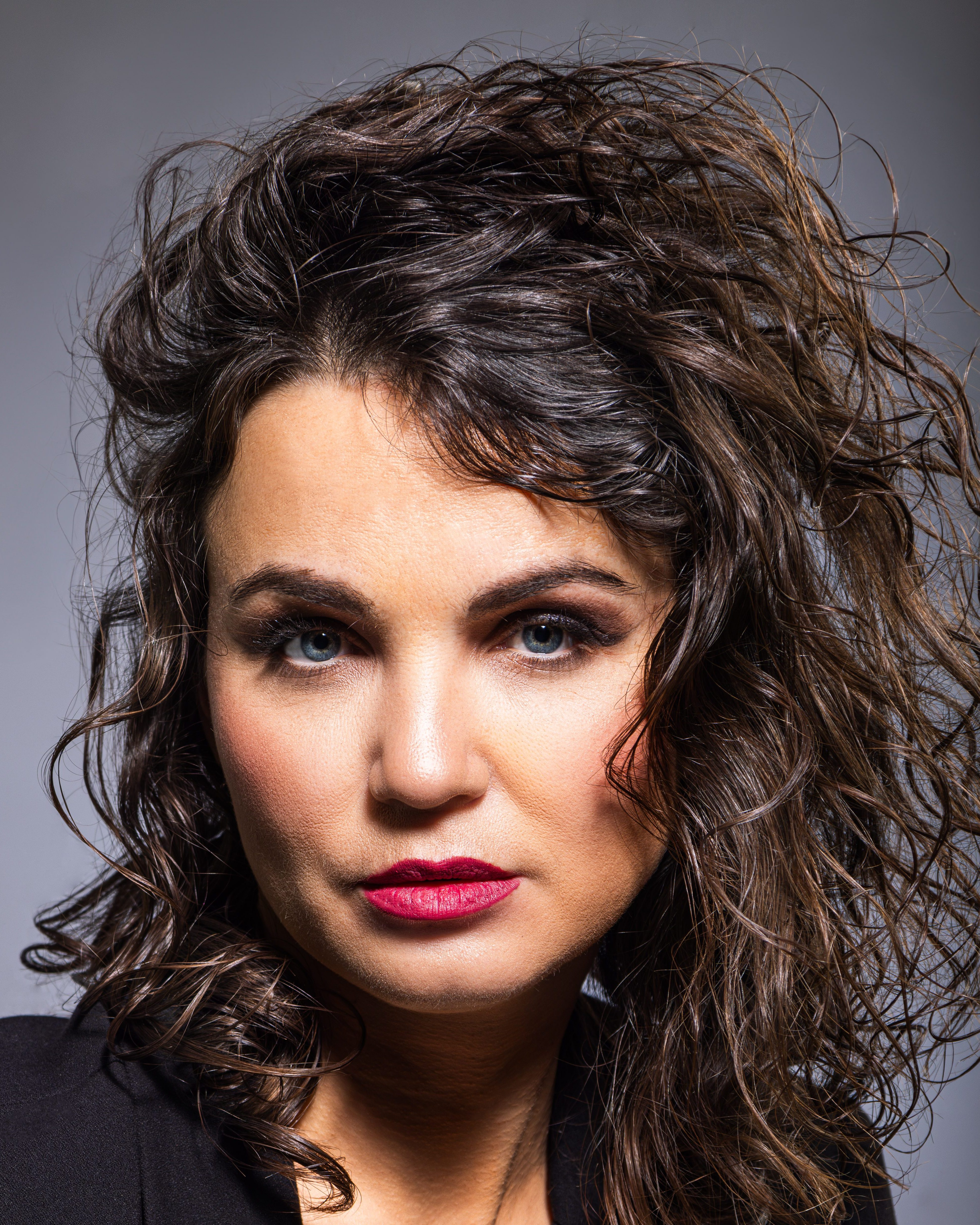
When someone visits your company website, LinkedIn page or staff directory, your team photos often shape their first impression. Professional corporate headshots can make a business feel approachable and organized—but only when the images look like they belong together.
If you’re planning corporate headshots in Toronto or Mississauga, this guide explains how to prepare your team, choose a visual style and get photographs that work across your website, proposals and professional profiles.
Why consistent team headshots matter
Imagine a company page where one employee has a bright outdoor selfie, another has a dark studio portrait and a third has an old cropped event photo. Even when every person looks professional individually, the collection can feel disjointed. Consistent framing, lighting and backgrounds create a more unified impression without making everyone look identical.
1. Decide where the photos will be used
Start with the practical requirements: website staff profiles, LinkedIn, email signatures, press biographies, recruitment pages or printed marketing materials. A square crop may work for a staff directory, while a wider crop can leave space for text on a website. Tell your photographer which formats you need before the shoot.
2. Choose one visual direction
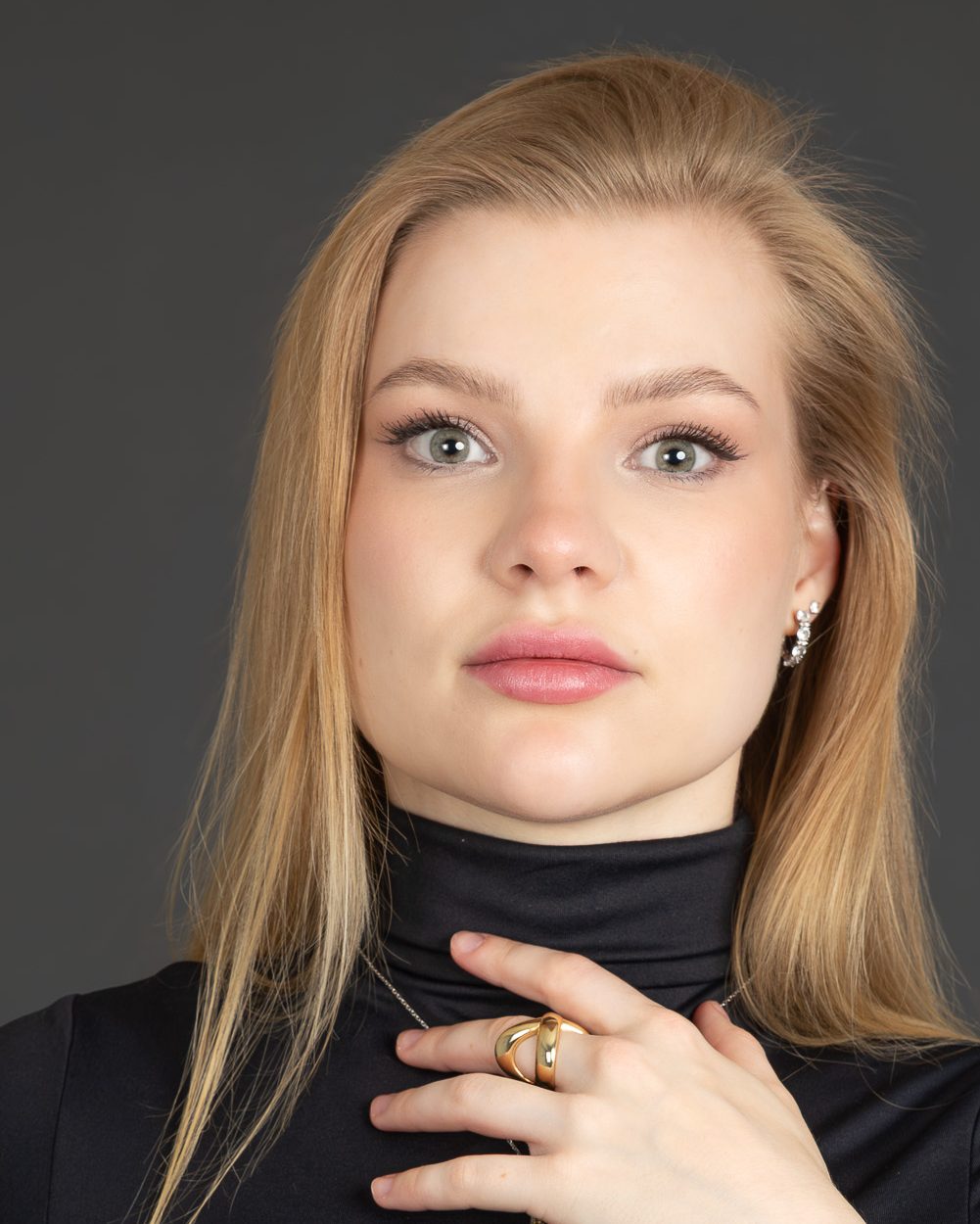
A neutral grey or white studio background is versatile for many professional teams. An environmental portrait at the workplace can feel more personal and show context. Neither approach is automatically better: the right choice depends on your brand, industry and how the photos will appear together.
For a cohesive result, agree on a common camera angle, approximate crop, background and lighting style. Team members can still express their personalities through natural expressions and small variations in pose.

3. Give your team a simple wardrobe guide
Avoid overly strict dress codes unless your organization already has one. Instead, suggest clothing that reflects how employees normally meet clients. Solid colours, well-fitting layers and minimal distracting patterns usually photograph reliably. Ask staff to bring a backup jacket or shirt if possible.
For more specific clothing guidance, see our professional headshot wardrobe guide.
4. Build a realistic schedule
A successful team session needs enough time for each person to settle in, adjust posture and review their expression. Allow additional time for larger teams, outfit changes and people who are less comfortable in front of a camera. A shared schedule and one internal coordinator help prevent interruptions.
Before shoot day, confirm the number of employees, location, backdrop, preferred crop, delivery requirements and whether you also need leadership portraits or group photographs.
5. Keep retouching natural
Corporate headshots should look polished while still looking like the person. Subtle adjustments to lighting, temporary blemishes and distracting elements can help; aggressive skin smoothing or changes to facial features can undermine authenticity. Consistent colour and contrast are just as important as individual retouching.
6. Plan for new hires and future updates
Teams change. Document the background, crop, lighting and retouching preferences used in your session so new employees can be photographed later in a similar style. That makes your website easier to maintain and protects the investment in a coordinated set of portraits.
Studio or on-site corporate headshots?
A studio session is useful for individuals or small teams who want controlled lighting and a clean backdrop. On-site sessions can reduce travel and make scheduling easier for larger offices, provided there is suitable space for a temporary lighting setup. Ask about space, ceiling height, access to power and the number of employees before choosing.
Frequently asked questions
How long does a corporate headshot session take?
It depends on the number of people, desired variety and whether employees need outfit changes. A short individual headshot can be efficient, but a team booking should also include setup, transitions and time for anyone who needs extra guidance.
Should every employee wear the same colour?
Usually not. A shared level of formality and a coordinated colour palette are often enough. The goal is a consistent brand presentation, not identical outfits.
Can we use the same headshots on LinkedIn and our website?
Often yes, provided you receive suitable image dimensions and cropping options. Tell your photographer about both uses so important parts of the portrait are not cut off.
Book corporate headshots with MagicCut Studios
MagicCut Studios creates professional headshots and personal-branding portraits for professionals and businesses across Toronto, Mississauga and the GTA. Whether you need an updated leadership portrait or a consistent set of employee headshots, we can help plan the look and deliverables around your brand.
Explore our personal branding and headshot photography, or contact MagicCut Studios with your team size, preferred location and intended use to request a quote.